

Hire
Job pages built for Google's job search
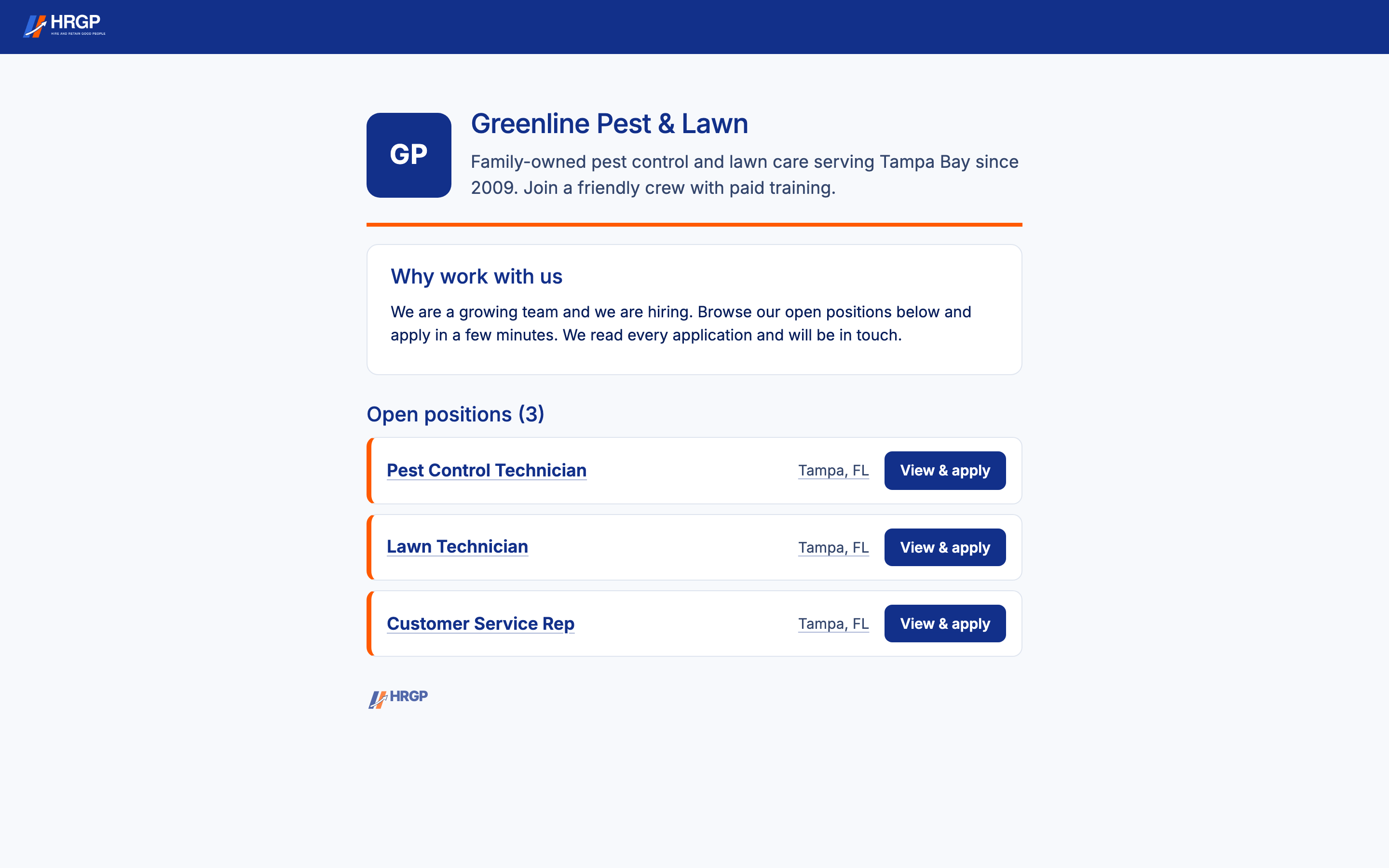
Every job you publish in HRGP gets its own public page, with the job posting details Google reads for its job search: the title, pay, location, job type and how to apply. Your job can then appear when people search for work on Google.
Google decides which jobs it shows and in what order, so no one can promise a place. What HRGP does is make sure each job page is open, readable and correct for Google.
How it works
Write and publish the job
Describe it out loud and HRGP writes the first draft, or type it yourself. Fill in the pay and location.
HRGP builds the job page
The page has the job, an application form and the job posting details Google reads.
Google is told about it
The page goes in the jobs sitemap, and HRGP lets Google know a new job page is open.
Applicants find it and apply
From Google, a job board, your careers page or a link you share. Every applicant lands on your Applicants list.
What HRGP does for each job page
- Adds Google's job posting details to the page, once per job, so Google sees one listing for it.
- Lists every open job page in a jobs sitemap, and tells Google when a job page opens or closes.
- Lets Google load the whole page, the same way an applicant sees it.
- Gives Google a closing date only when the posting really has one.
- Opens the job even when the link carries tracking text from a job board or from Google.
Pages stay open while you're paying for them
A job page stays open while the job is open in HRGP. While a paid JobTarget posting is running for a job, its page stays open too, so people clicking the ad can apply. If you try to stop a job that still has a paid posting running, HRGP warns you first.
If an account is cancelled, its job pages stay open until the end of the month already paid for.
Free job sites and your careers page
Google's job search is one place applicants find you. After you publish a job, you can also post it free to Organic sites through JobTarget; paid job boards like Indeed are bought from JobTarget at their price. Every published job also goes on your own careers page, and on the Open jobs list on hrgp.io.
Why it helps
- Your jobs can show up where people already search for work, at no extra cost.
- Pay, location and job type come straight from the job you wrote.
- Closed jobs come down, so people don't apply to jobs that are gone.
- Paid postings never point to a closed page.
Google for Jobs questions
Will my job show up on Google?
It can. HRGP gives Google a correct, open job page for every published job, but Google decides which jobs it shows and where.
Do I have to pay Google?
No. Google's job search is free for employers, and the job pages are part of your HRGP plan.
What helps a job show up?
A clear job title without the pay or company name in it, the real pay, and the job's full location. Google may skip jobs with missing or confusing details.
Can I also post to Indeed?
Yes. Post free to Organic sites through JobTarget; paid job boards like Indeed are bought from JobTarget at their price.
Related
Put every open job where people search for work
Part of HRGP, the HRIS for small business. $99 a month. No per-seat fees. 14-day free trial.