
Applications scattered across the day
A technician application arrives while you are handling a service call. Keep the candidate, notes, and next step together so the office and hiring manager can pick up the same conversation.
For owners and hiring managers
Hiring has to fit around service calls, crews, and customers. HRGP helps small field-service businesses keep applicants, interviews, follow-up, and onboarding organized in one place.
Whether you run a small crew or a team approaching 100 people, give the owner, office manager, and hiring manager a shared view of the next hire.
Some services are billed separately. See pricing for platform and usage details.
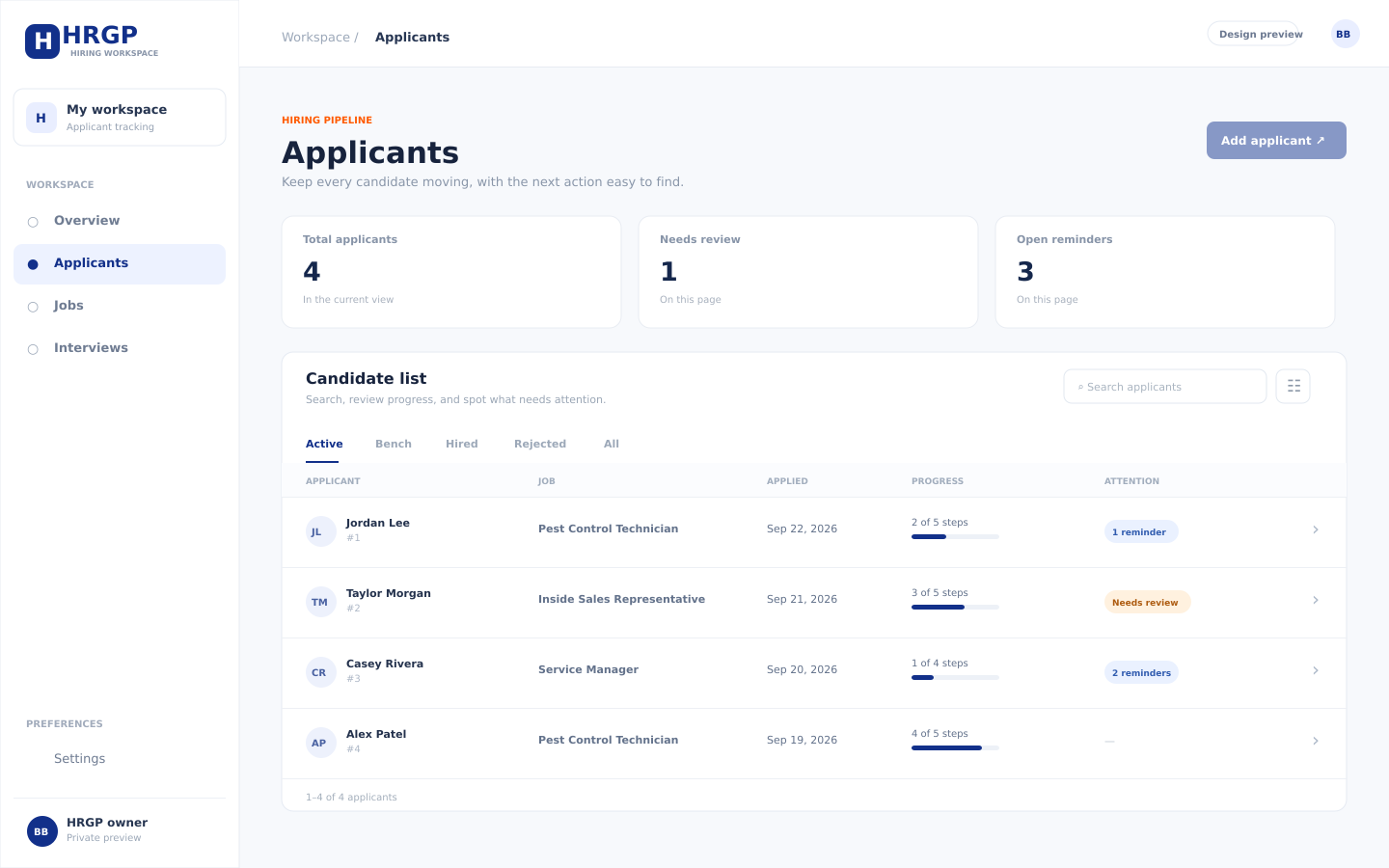
A technician application arrives while you are handling a service call. Keep the candidate, notes, and next step together so the office and hiring manager can pick up the same conversation.
Candidates may be working when you call. Keep interview details, messages, and reminders connected instead of relying on someone to remember the next follow-up.
A familiar job title does not tell you how someone handles a customer, documents a visit, or asks for help. Give your team a consistent way to collect and review evidence.
Build a repeatable process around the role. Keep the information together so a manager can review progress without reconstructing it from separate messages and spreadsheets.
Keep applications, notes, tasks, and candidate status in one place. Customize the hiring steps for each role so your team can see what is complete and what needs attention.
Use screening forms, applicant ranking, and AI candidate-matching reports to organize review against job-related criteria. Treat the results as inputs to your judgment, not a hiring decision.
Use structured AI interviews to collect responses for review. Keep video and in-person interview steps, details, and team feedback connected to the candidate record.
Coordinate interview availability, reminders, and candidate follow-up. HRGP supports SMS and email communication in an organized conversation history. Learn more about interview scheduling software.
Use skills tests and Mira personality assessments alongside interviews and other information. Choose evaluation steps that help your team understand the work a candidate would do.
Keep references, offers, and onboarding forms in the hiring workflow. Your team remains responsible for choosing appropriate steps and reviewing the information.
Review applicants, communicate, and manage hiring away from your desk. Managers review the evidence and decide what happens next; AI recommendations do not replace employer judgment.
Planning hiring automation starts with a clear process: decide which steps belong in the workflow and where a manager needs to review the information. Do not assume every step advances automatically.
Explore the full HRGP feature set and how AI hiring tools support employer review.
This illustrative workflow shows how a team could organize an opening. Adapt it to the job; it is not a customer story or a promise that every action happens automatically.
Describe the service area, schedule, customer contact, and role requirements. Separate experience needed at the start from skills you can teach.
Keep applicants in one pipeline. Review screening responses and, where useful, job-match reports against the same role requirements.
Consider a relevant skills test or structured AI interview. Review the results yourself and identify the questions you still need to ask.
Coordinate a video or in-person conversation. Ask how the candidate would explain a delay to a customer or document an unfinished service visit, and record the feedback.
Complete appropriate reference steps, review the full record, and make the hiring decision. Organize the offer and onboarding forms, then confirm first-day expectations with the new hire.
For job-definition questions and a practical checklist, read the field-service hiring guide.
These are examples of roles and considerations, not claims about existing HRGP customers or industry-specific integrations.
Route technicians who communicate clearly with customers and record service details. Explore pest-control hiring software for technician, sales, and customer-service roles.
Service roles where your team needs to review technical experience, customer communication, and schedule fit.
Crew and team-lead roles with recurring customer locations, changing schedules, and shared work standards.
Roles where changing job conditions make communication, documentation, and knowing when to ask for help especially useful to discuss.
For companies providing lawn treatments, explore lawn-treatment hiring software for technician, sales, and office openings.
An owner or office manager may handle hiring alongside dispatch, customer calls, and daily operations. A process built around clear next steps and shared candidate information can be easier to follow than one designed around multiple HR departments and approval layers.
HRGP brings hiring work into a shared workflow. Keep the steps useful for your team, review the evidence, and make the decision yourself. Explore how HRGP works or use the hiring resource library to plan your process.
HRGP is designed for small-business hiring. Owners and hiring managers can organize applicants, communication, interviews, evaluations, offers, and onboarding in one workflow, including when hiring for roles away from an office.
No. AI matching, ranking, and interviews provide information for employer review. Your team evaluates the evidence and remains responsible for the hiring decision.
Yes. HRGP supports mobile-friendly access for reviewing applicants, communicating with candidates, and managing hiring when you are away from your desk.
HRGP supports customizable workflows. Choose the steps appropriate to the position and your process; the example on this page is a planning aid, not a required sequence.
AI video interviews, SMS usage and the dedicated phone number are billed separately. Paid job-board upgrades are bought directly from JobTarget at their price; JobTarget offers 60 days of free organic posting under its own terms. Certain third-party services are charged at the provider's price, shown before you buy. Review pricing and usage details before choosing your steps.
Explore HRGP for your next opening, or ask a question about how the platform could fit your hiring process.